1
Inbox
Keep newly captured or imported receipts in one place until you are ready to add amount, merchant, category, and notes.
Personal receipt records and spending notes
ReceiptBox Ledger helps individuals keep receipt images, proof records, reimbursement notes, and simple spending details in one organized place.
It is a record keeping utility. It is not a loan, credit, debt collection, investment, payment, banking, or regulated financial services platform.
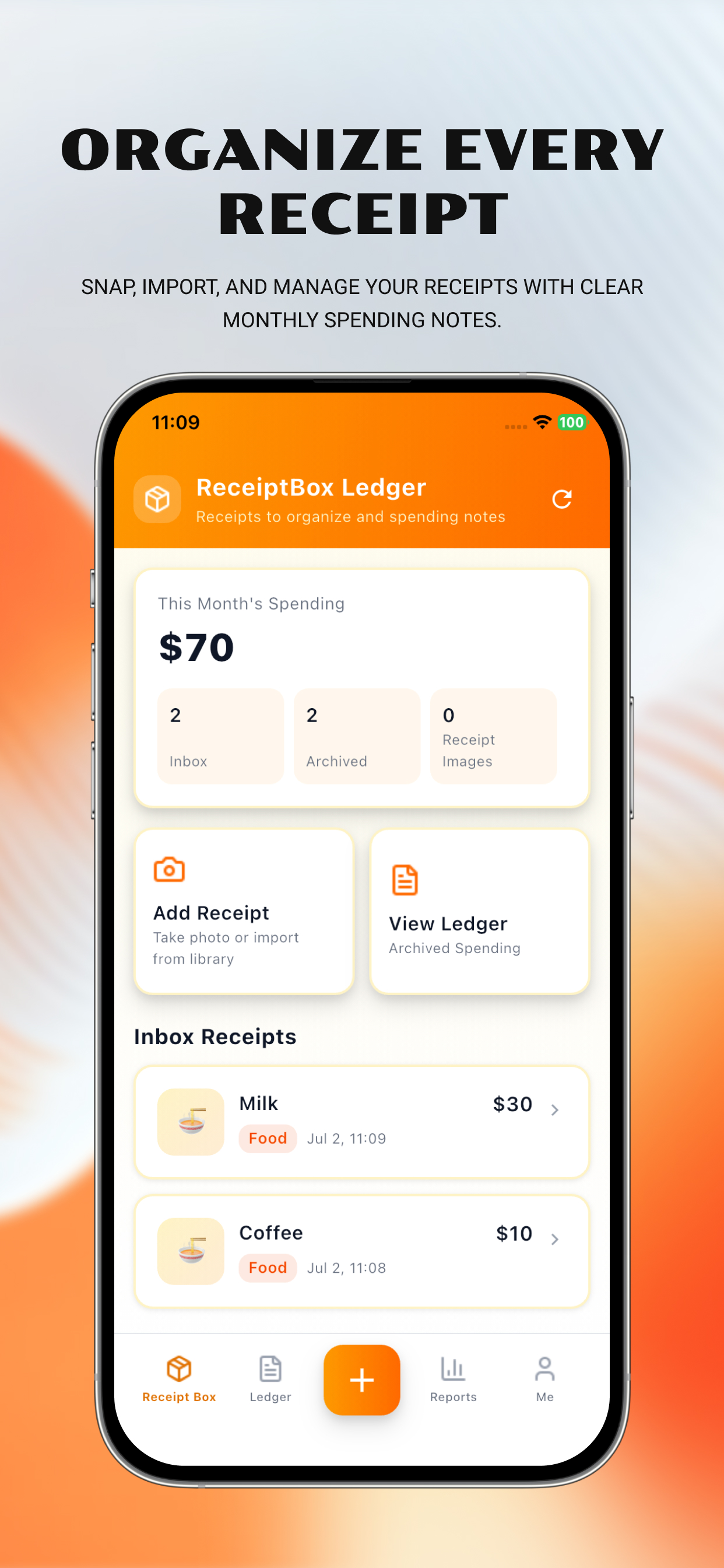
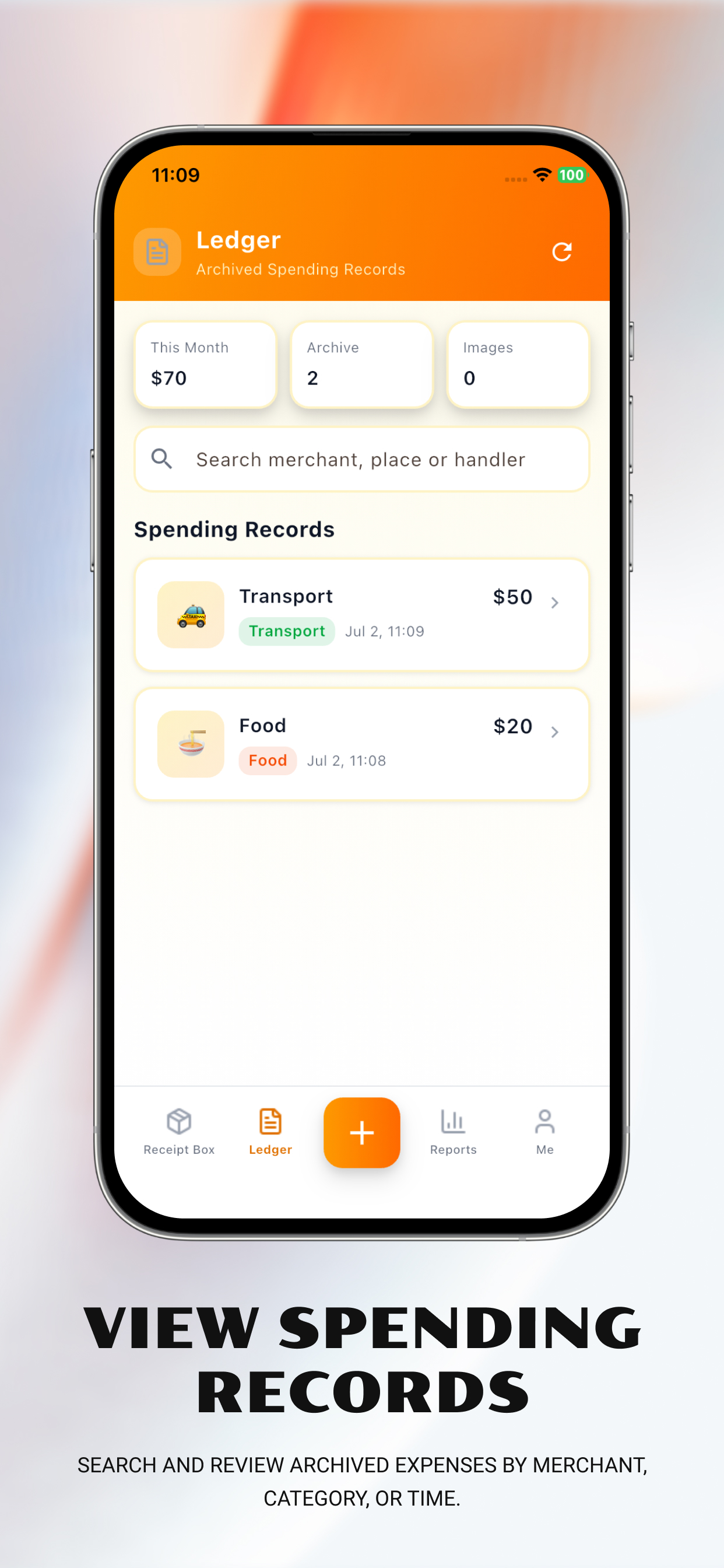
Each entry point maps to a real app feature: add, organize, archive, view summaries, and manage account or legal information.
Keep newly captured or imported receipts in one place until you are ready to add amount, merchant, category, and notes.
Archive completed receipts as spending records and search by merchant, note, location, or handler.
Add a receipt by camera, photo library, or no-image manual entry, then fill amount, category, date, merchant, location, and handler.
View monthly totals and simple merchant or category summaries based on records you created.
View account status, app version, Privacy Policy, Terms of Use, logout, and account deletion entries where applicable.
Receipt images and business records are used for personal organization. Logout clears login status, not your local receipt records by default.
The Add Receipt screen lets users choose Take Photo, Library, or manual entry. Amounts use the dollar symbol, and receipt details can be saved to Inbox or archived into Ledger.
Permission prompts are tied to clear user actions. Declining camera, photo library, location, or contacts access does not block manual record keeping.
Sensitive permissions are not requested at launch. If a user declines permission, the App still provides manual alternatives for core record keeping.
ReceiptBox Ledger processes data needed for receipt organization, spending notes, summaries, account operations, security, diagnostics, and user-requested permissions. User-created receipt records are not used for loan approval, credit scoring, debt collection, investment recommendations, or payment processing.
These pages provide privacy, terms, account deletion, and support information for ReceiptBox Ledger users.
For product support, privacy questions, legal requests, or account deletion assistance, contact us by email.